
Accessories
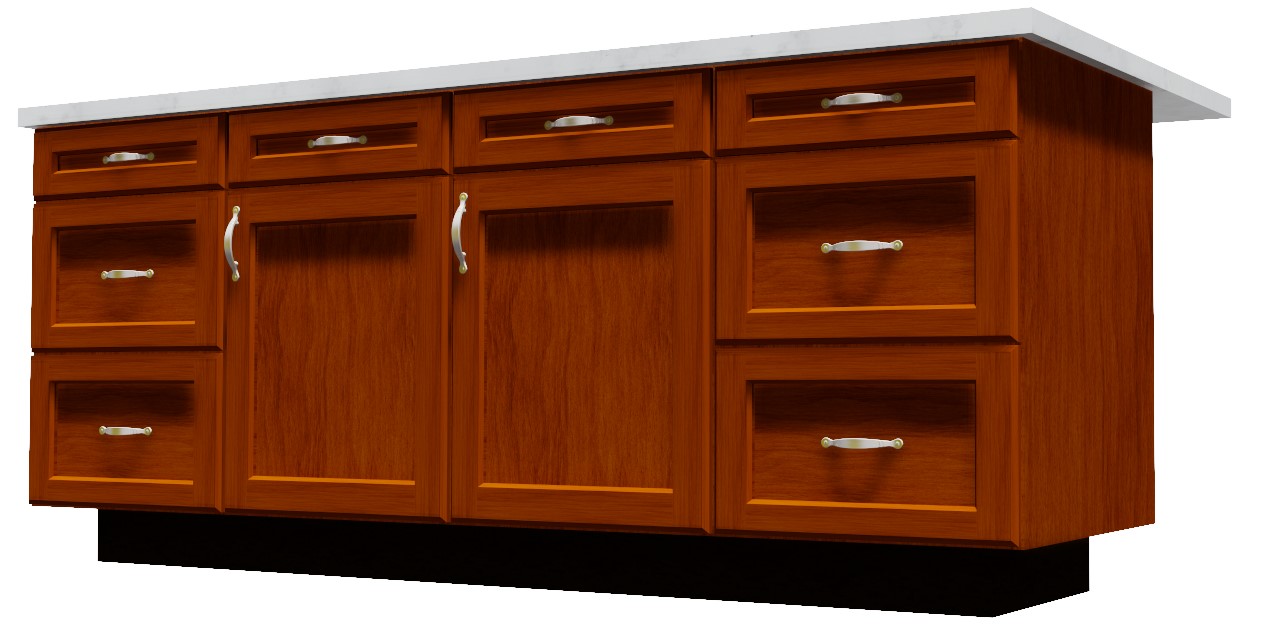
Leg Symbol options added to control placement; Set Per Leg or Set for Run, used for islands.

Add Wall
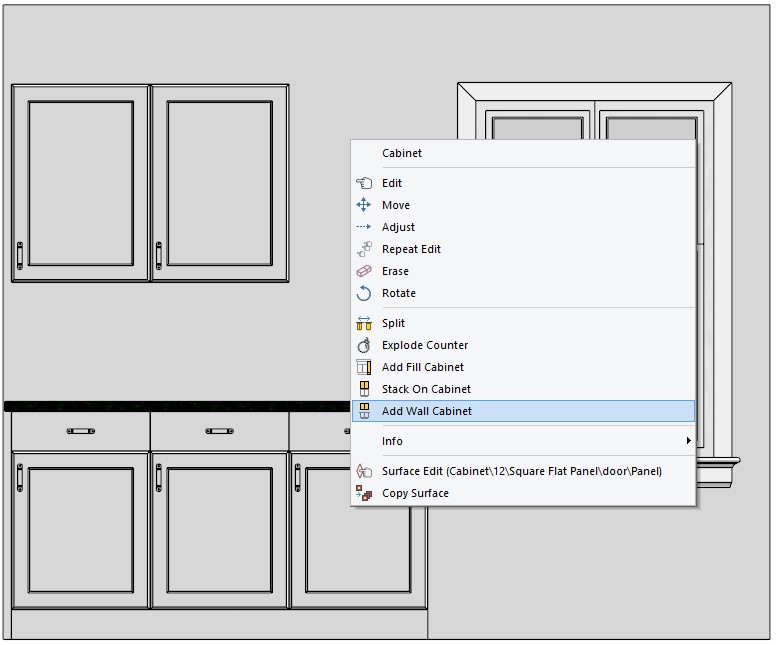
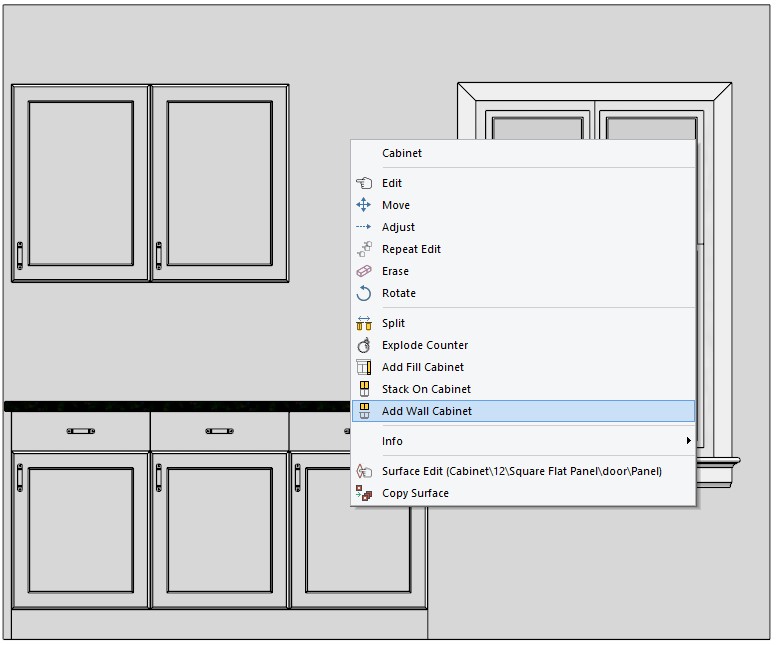
Add Wall Cabinet command added, places a wall cabinet above the selected base cabinet with matching width and style.
Auto Cabinet
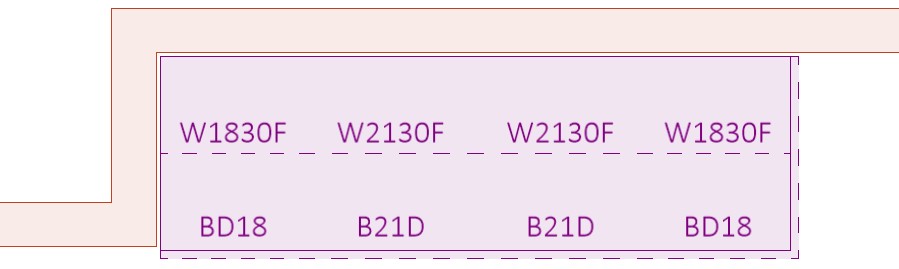
Upper Cabinet placement improved to more closely match the lowers; upper cabinets were often drawn with unnecessary fillers.
Cabinet Name
Cabinet Names are no longer rounded to the nearest inch, so a 3/4" filler displays as 3/4".
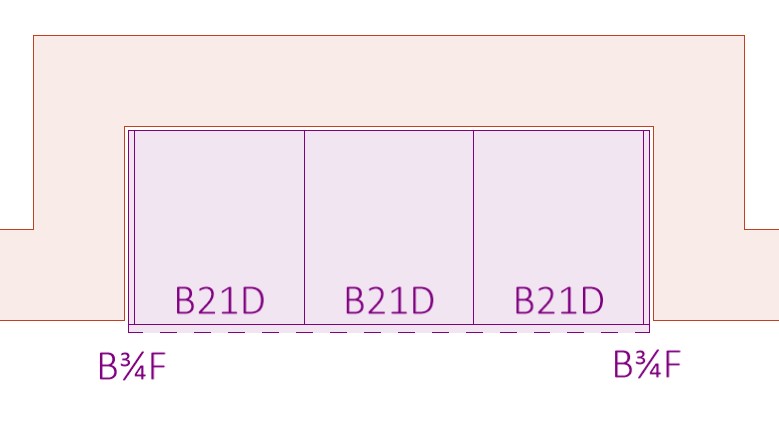
Show All Names option added to the Project/System options, displays the names of the Cabinets within a bound run of Cabinets.
Cabinet Run
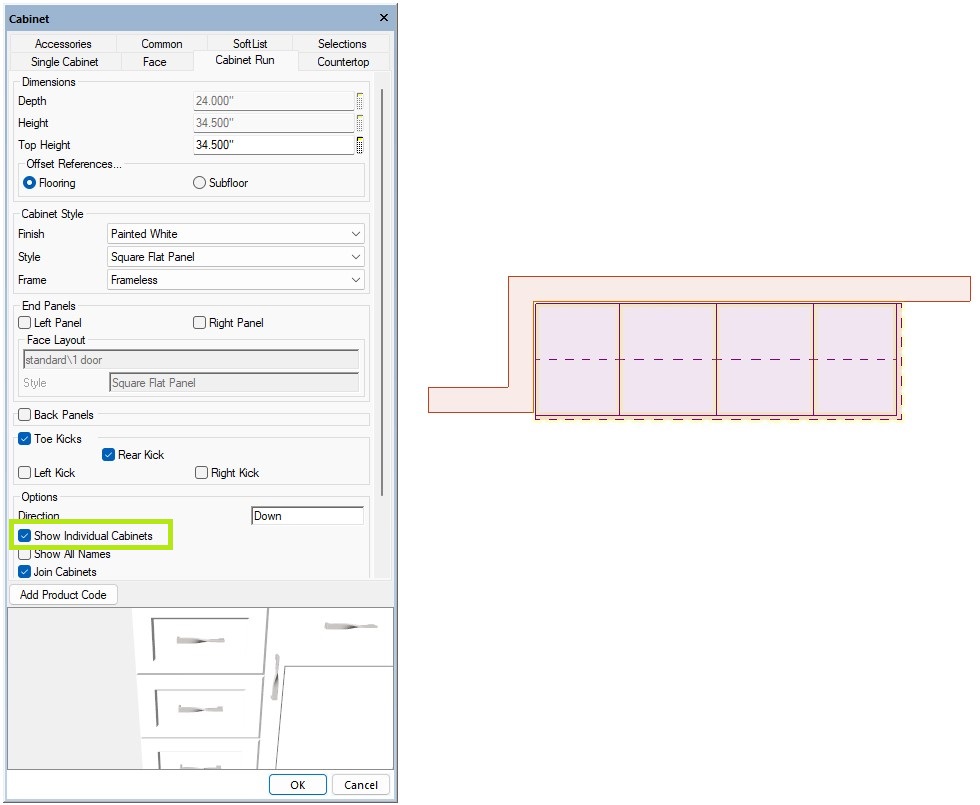
Show Individual Cabinets option added to Cabinet Options, shows the individual cabinets without exploding the run.
Comments
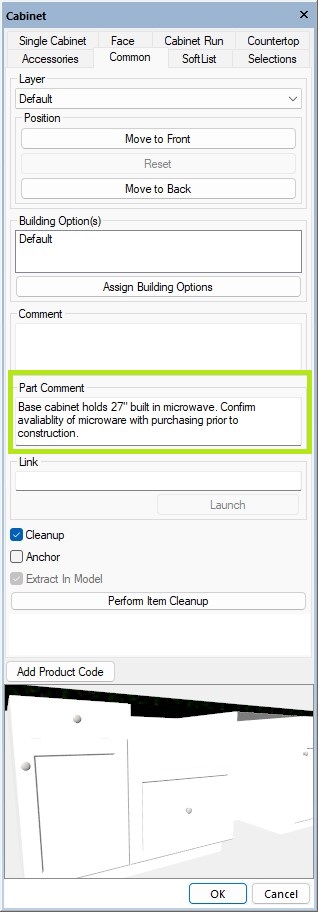
Part Comment field added to the Common Tab of Individual Cabinets, this is a comment field that lists in the Cabinet Schedule with the individual cabinet as opposed to Comment field that lists in the schedule with every Cabinet in a Cabinet Run.
Handles
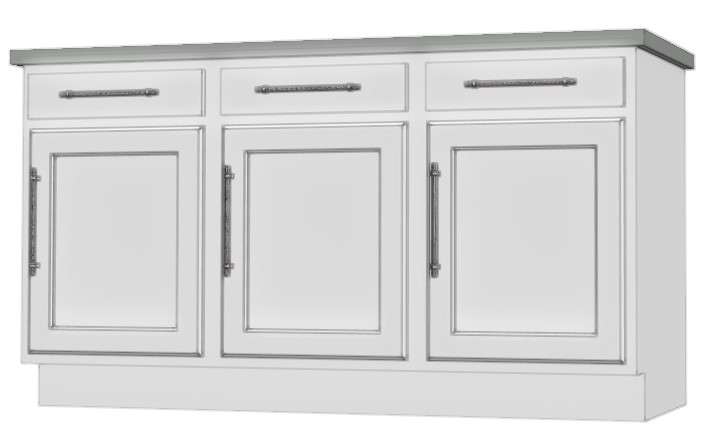
Placement of large Cabinet Handles is improved, if a cabinet handle's 3D symbol extends above or below the cabinet face part it is automatically moved onto the cabinet face.
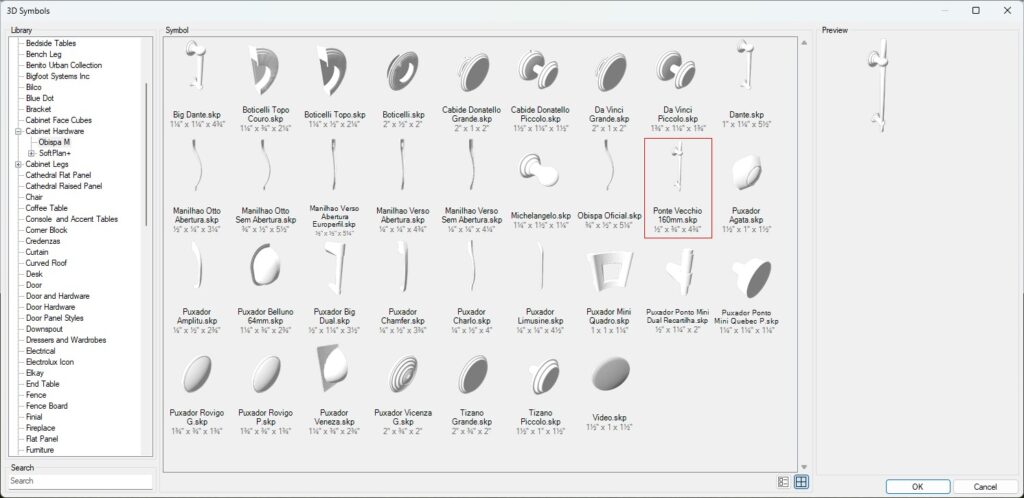
Obispa M. manufacturers cabinet handle library added.
Insert Cabinet
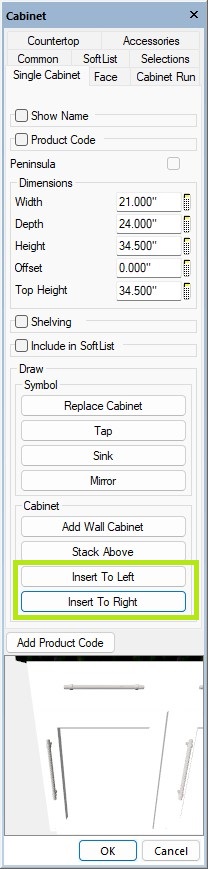
Insert To Left and Insert To Right commands added to the Cabinet Edit, adds the cabinet even in the middle of the run.
Schedules
Room Schedule ID (Room Numbers) column added to Cabinet Schedules.

Stack Above
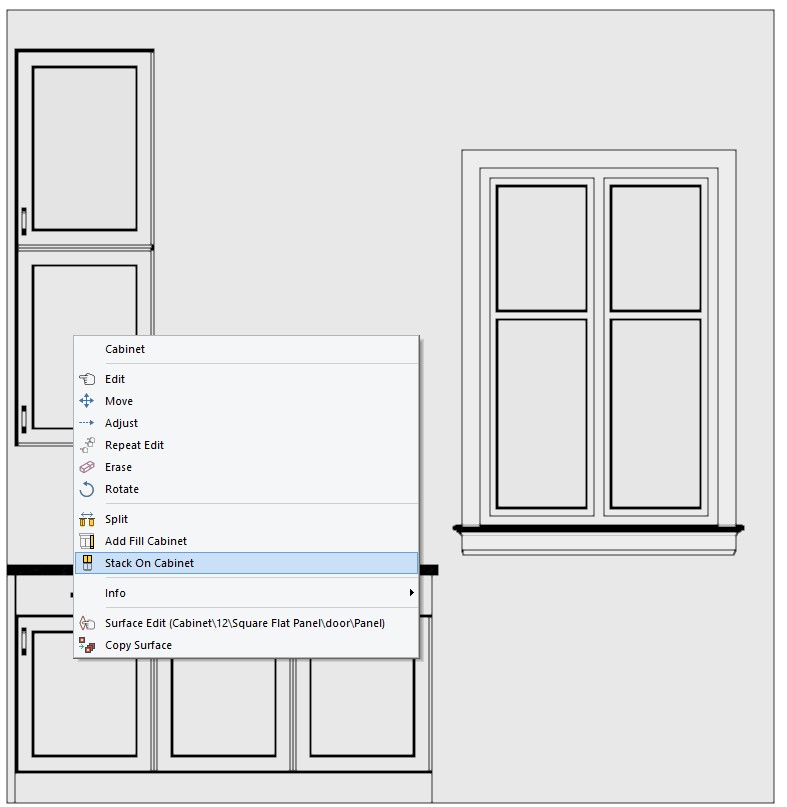
Stack Above command added, places a wall cabinet directly above an existing wall cabinet: two rows of uppers.
3D Image column added to Cabinet Schedule.

Replace Cabinet
Tolerancing added to the Replace Cabinet command to reduce or eliminated small fillers that were added if the symbol was close in size the cabinet being replaced.
Style
Slim Panel Shaker Cabinet Style added.
Toe Kick
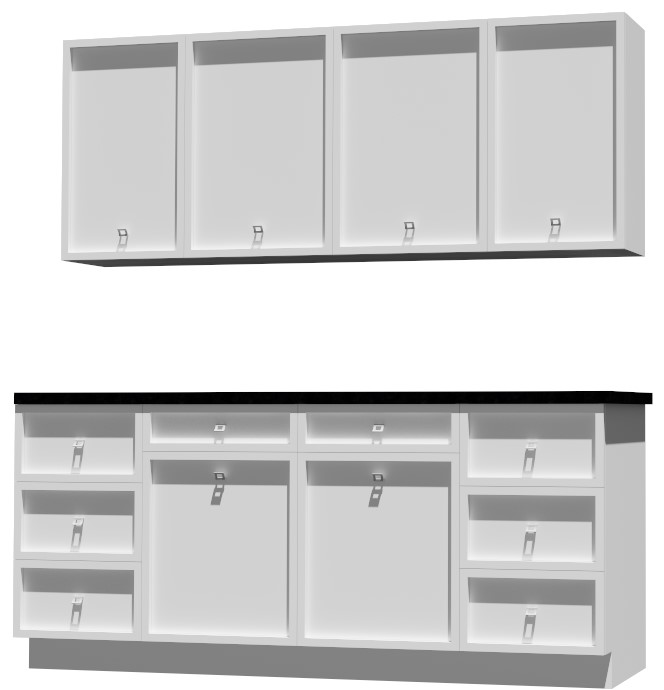
The Toe Kick material is seperate from the cabinet material enabling it to be assigned differently.
Wall Cabinet
Add Wall Cabinet command added to Edit or Right Click of a Base Cabinet, the new upper cabinet will match the width and style of the source cabinet.
Walls
Cabinets check against a wall's height and offset before adjusting sizes and adding countertops.