DWG Export
Custom linetypes including text are included when Exporting DWG files.
DWG Import
Importing DWG files with unique line styles is improved.
Importing DWG files with items outside of the SoftPlan world is improved.
Importing DWG files with elliptical arc segments is improved.
Export
Send To command includes custom 3D textures in the .zip file.
File Menu
The File menu has been reorganized to logically include former optional SoftPlan+ features.

Folder Location
Title Block location option added to Folder Locations.

Image
Size options added to Edit > Image.
Internet Connection
In the event that SoftPlan can't access the SoftPlan+ server (there is no internet connection), SoftPlan quickly revert to the local project files for the remainder of the session.
Plan Set PDF Export
Select Pages option added to Plan Set PDF Export, allows individual pages to be selected from within the Plan Set.

Export Metafiles as Images option added to PDF and Batch PDF Exports, by default Metafiles are exported as Metafiles, selecting this option will reduce the file size of the resulting PDF.

Project Information
Addresses for Client Information and Project Information are separate.

Length of the City field increased to hold more characters.
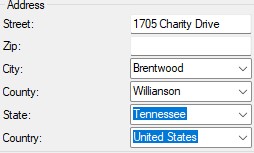
Address: County option added to the Project Address, used in the energy calculations.
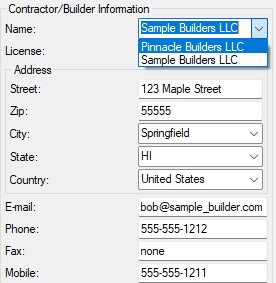
Contractor/Builder Information is automatically saved to the system so that can be recalled for future projects.
Project Revision
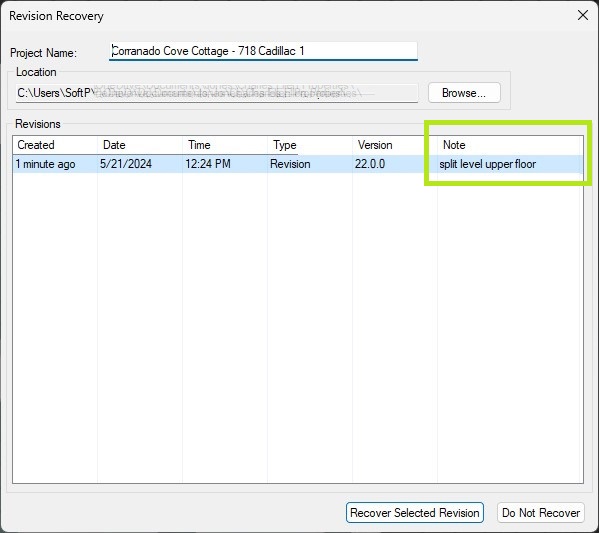
Note field added when creating a Project Revision, allows a comment on why the revision is being created.
Recovey Files
When a drawing in a recovery folder is opened the process is started automatically.
Users were working on projects within the recovery folder.
Reload Drawing
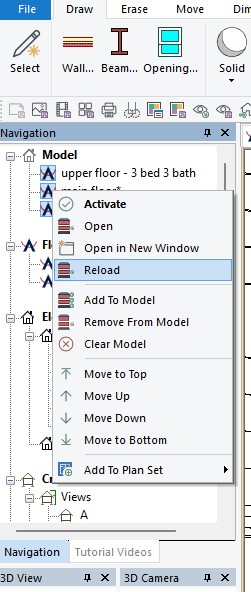
Reload option added to a drawing in the Model section of the Navigation menu if that drawing has been modified (as indicated by an asterisk), discarding any changes made in the session and reloads the original drawing from disk.
REScheck Export
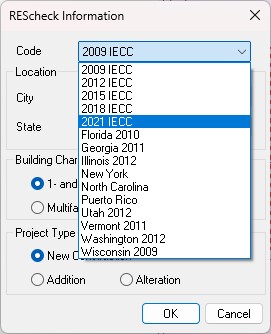
2021 IECC Code option added to REScheck Export.
Search Projects
Project Search speed is improved when searching a network drive.
Cancel option added to Project Search.
SketchUp
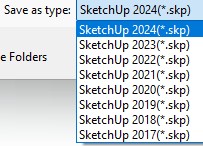
Import and Export support added for SketchUp 2025.
SketchUp Exports handle symbols with multiple textures.
Tabs
Drawing, model and SoftList tabs that are not in use automatically hibernate. This reduces the resources required by the application resulting in improved performance of the tabs that are in use.
Visible Floors
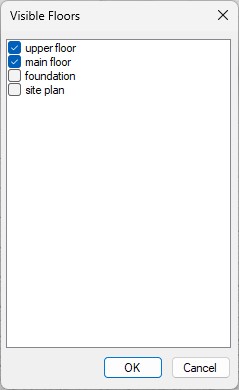
Export of .FBX (Lumion) and .SKP (SketchUp) will only include drawings from the current Visible Floors selection rather than the entire Model.