
Break
Break option on curved stairs improved.

Clip Stair to Wall
Clip Stair to Wall command added to the right click of a wall, removes the portion of a straight stair that overlaps the wall, modifying the shape of the stair.

Cross Section Detail
Round Nosing option to Satir Section Cross Section Detail.

Direction Arrow
Compound Stair Direction Arrow formation improved, eliminating double arrows.
Stair Options
Selecting File > System Options > Material Dimensions > Stair Options, changes made to the select the Default Stair Railing definitions only affect the current drawing template.
Tread
Is Full Tread option added to the Topmost Tread on Stairs and Deck Stairs, automatically aligning the top of the first tread with the top of the floor or deck.

Visible Items
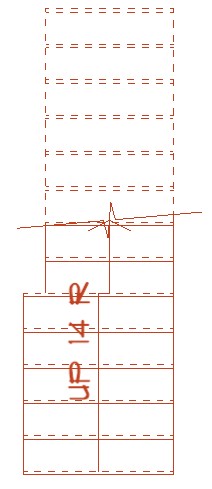
Stairs (On Other Floors) option added to Visible Items, allows stairs on lower level to display on the upper level, useful for Area and Room Modes.
