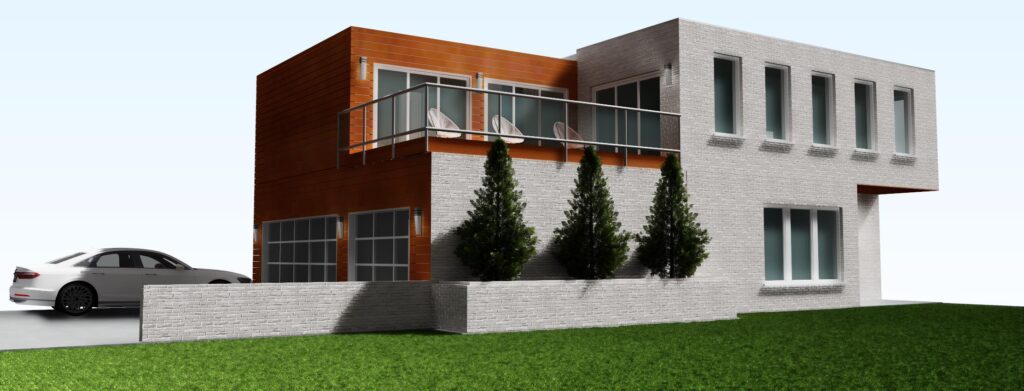
Animations
Rotate Camera Counter Clockwise Around Focus at Key Frame command added.
Rotate Focus Counter Clockwise Around Camera at Key Frame command added.
Background
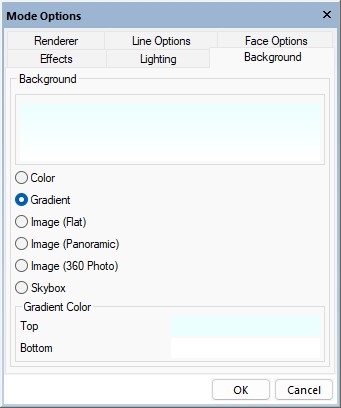
Gradient added to Background options, transitions the background evenly between two specified colors.

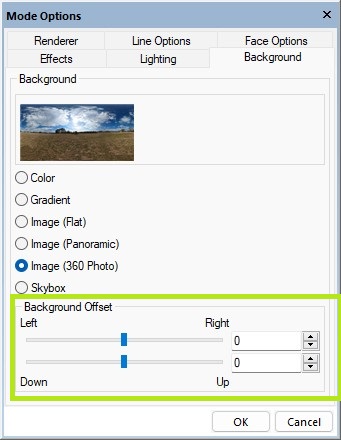
Background Offset option added to Image (360 Photo) allowing the background image to be moved left/right/up/down behind the model.
Color Swatch
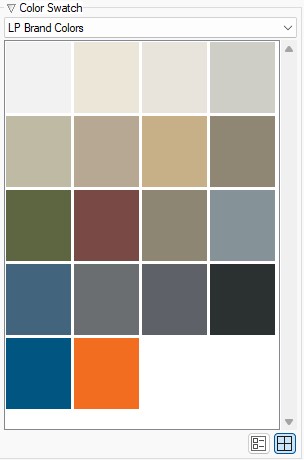
LP Brand colors added to Color Swatch options.
Deck
Repeat Edit applies Deck Finish between Deck Bench, Deck Ledger Board, Deck Parting Board, Deck Ring Joist, Deck Joist and Deck Boards.
DirectX 12
DirectX 12 is the default Renderer on all machines that have DirectX 12 capable hardware, the applies to all 3D modes, elevations, sections and interior elevations.
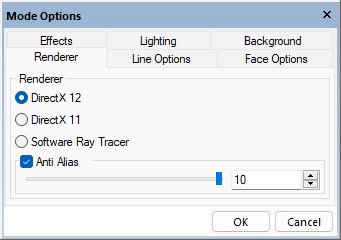
New compression schemes employed to reduce the amount of memory required when creating DirectX 12 renders.
DirectX 12 is used for all previews on Edit dialogs.
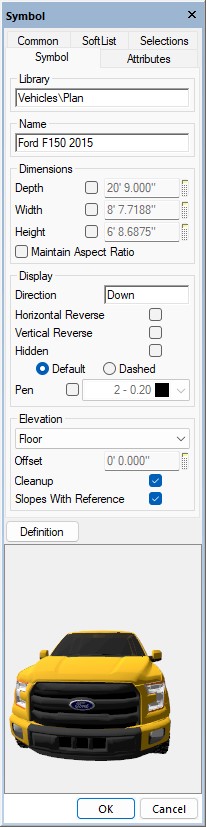
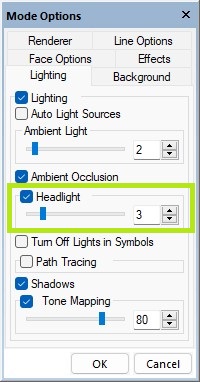
Headlight added to DX-12 renderer, helpful on interiors before the light fixtures are added.
Download PBR Texture
Download PBR Texture command added to the File > Import menu in 3D, directly imports PBR textures into the correct format and file organization.
Edit
Performance of edits in 3D improved.
Framing
Structural Posts extract in 3D Framing views.
Path Trace
A live-editable option showing the number of passes for a Path Trace rendering is available on the toolbar.
The limit on the number of passes for a path trace rendering increased. Increased number of passes reduces the "dottiness" that can appear, more prevalent on lighter colored surfaces. Increased passes would be used instead of the "denoise" command. The increased speed of newer video cards makes this practical.
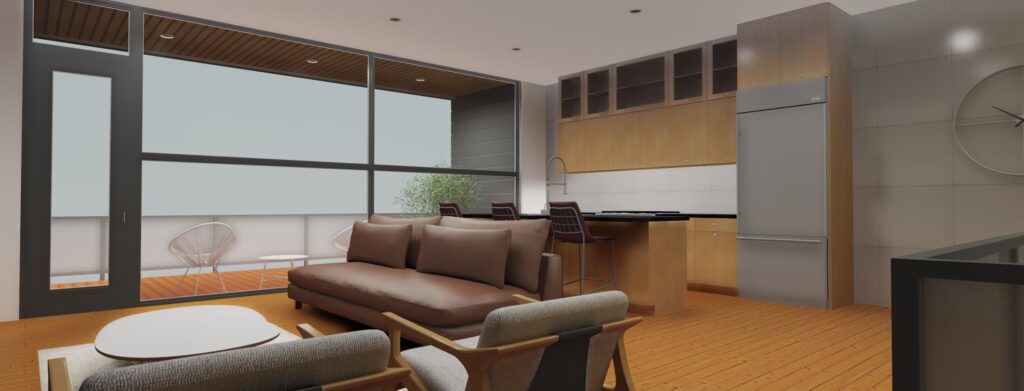
Time Estimate added to status bar when Path Trace renderings are in progress.

Physically Based Rendering
Physically Based Rendering added to DX12.
Displacement Mapping
Displacement Mapping added to Phsicallly Based Rendering, PBR, materials
Presentation View
Room Names in Annotated Presentation Mode draw using the Room Label Color configuration option.

Relief Depth
Relief Depth added to DX12 Path Traced renderings.

Render to File
DirectX-12 Render to File size limit raised to 8192 x 6144 provided the video card can handle the additional size.
Site
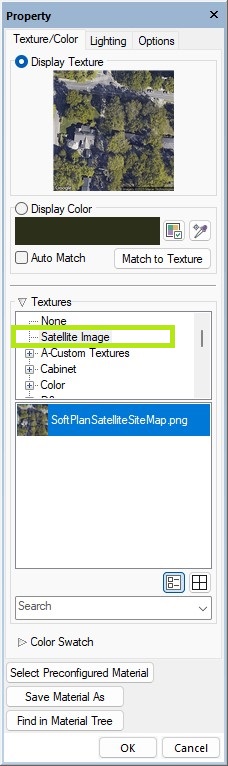
Satellite Image option added to texture selection for Site Polygons, places a Google Maps Satellite image texture on the Site Polygon.
SketchUP
Download 3D command added to File > Import within a 3D model, allows SketchUp files to be directly inserted in a SoftPlan 3D model.
Adding to SoftPlan’s extensive selection of 3D customization tools, SoftPlan 2026 includes the ability to import SketchUp symbols directly into the 3D model. After a few clicks of the mouse, SoftPlan opens SketchUp’s 3D Warehouse in a browser window where 3D symbols can be quickly located and downloaded as SketchUp files. Once the file is downloaded, SoftPlan automatically imports the 3D symbol into a “3D Downloads” library and creates a 2D symbol counterpart for use in the project. The ability to directly import 3D symbols from SketchUp’s vast library into the model greatly expands the level of 3D presentation possible in SoftPlan.
Symbols
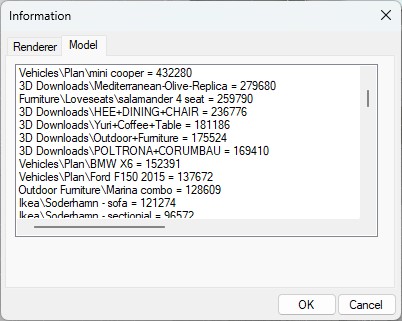
Symbol Triangle Count added to Help > Information > Model.
With the addition of the ability to import 3D symbols directly from SketchUp it is easy to increase the size of the 3D model. Larger models negatively impact performance, this is designed as a tool to assist in managing the model size.
Textures
3D looks to the SoftPlan+ server and automatically downloads any required textures that are not already present locally.
Transparency
Artifacts that often displayed as a blue glow or hue around surfaces that have transparent elements (tree leaves) have been removed.